- Open the task.
- In Repeat and remind, under Remind me, tap A place….
- Search for the place or an address, and choose it.
- Choose Arriving or Leaving, and tap Add.
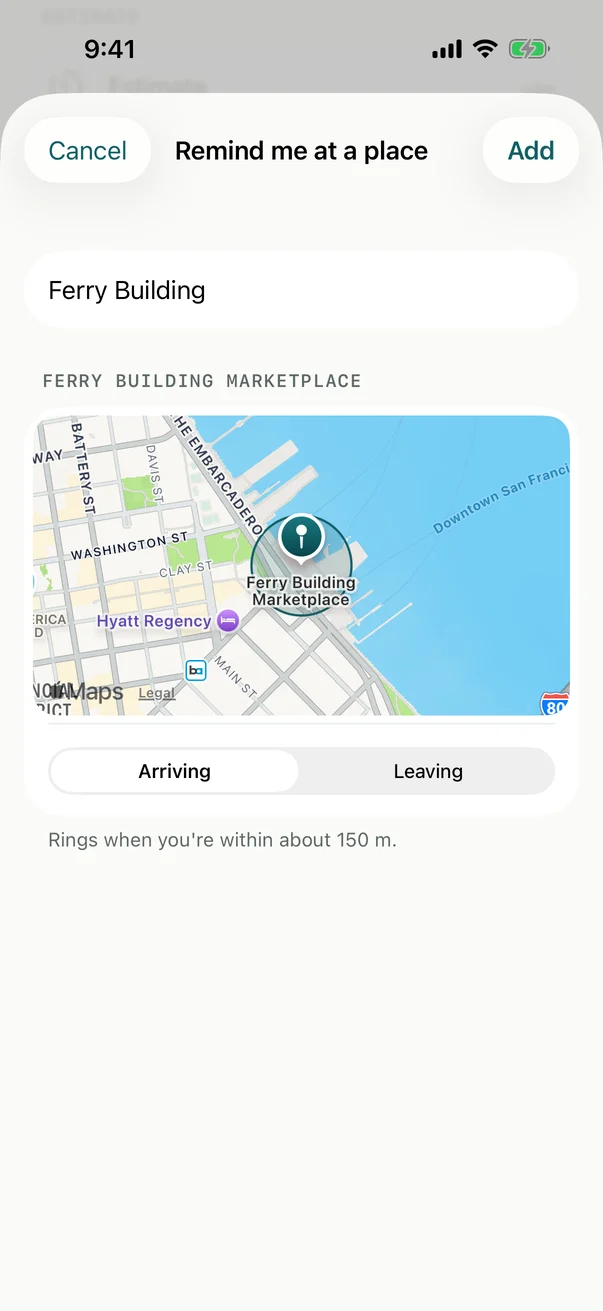
The reminder rings when you’re within about 150 m of the place.
Location
The first time, Billine asks to use your location. While Using the App is enough. The system watches for the place and rings the reminder; Billine itself never sees where you are. The place’s name and position are saved with the task like any other detail.
When you search for a place, what you type goes to Apple Maps.
If location is off for Billine, the task says the reminder can’t ring and how to turn it back on, in Settings › Apps › Billine › Location.
On the Mac
The Mac can’t ring a reminder at a place. You can see place reminders there, and they ring on your iPhone and iPad.
Checked against Billine 1.0