Type it the way you'd say it.
Write book flights ~30m next tue #errands and Billine shows exactly what it understood. Tap any chip to remove it. Nothing is guessed silently.
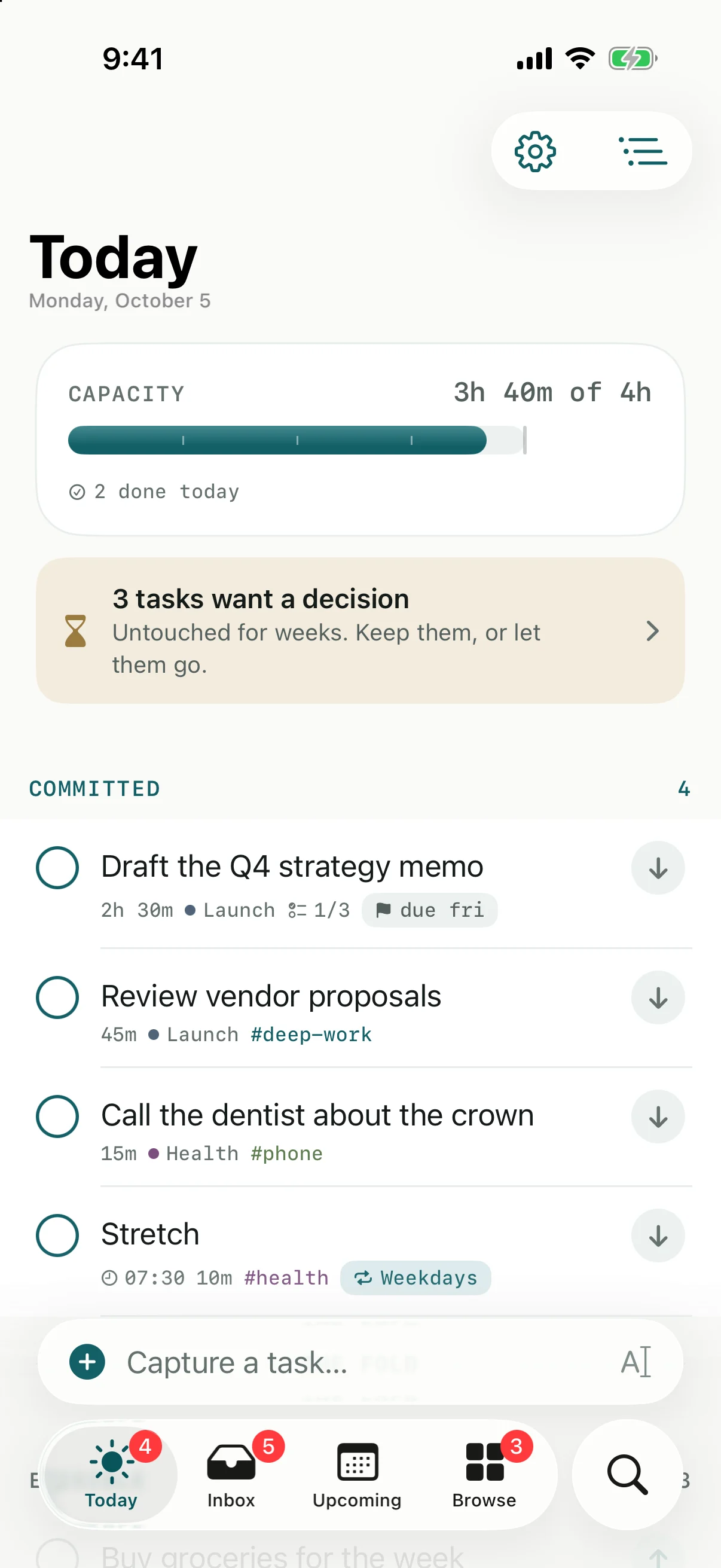
Billine measures what you choose for today against the time you really have. Pick the few things that fit, do them, and let the rest wait below the fold without guilt.
iPhone · iPad · Mac — English & Español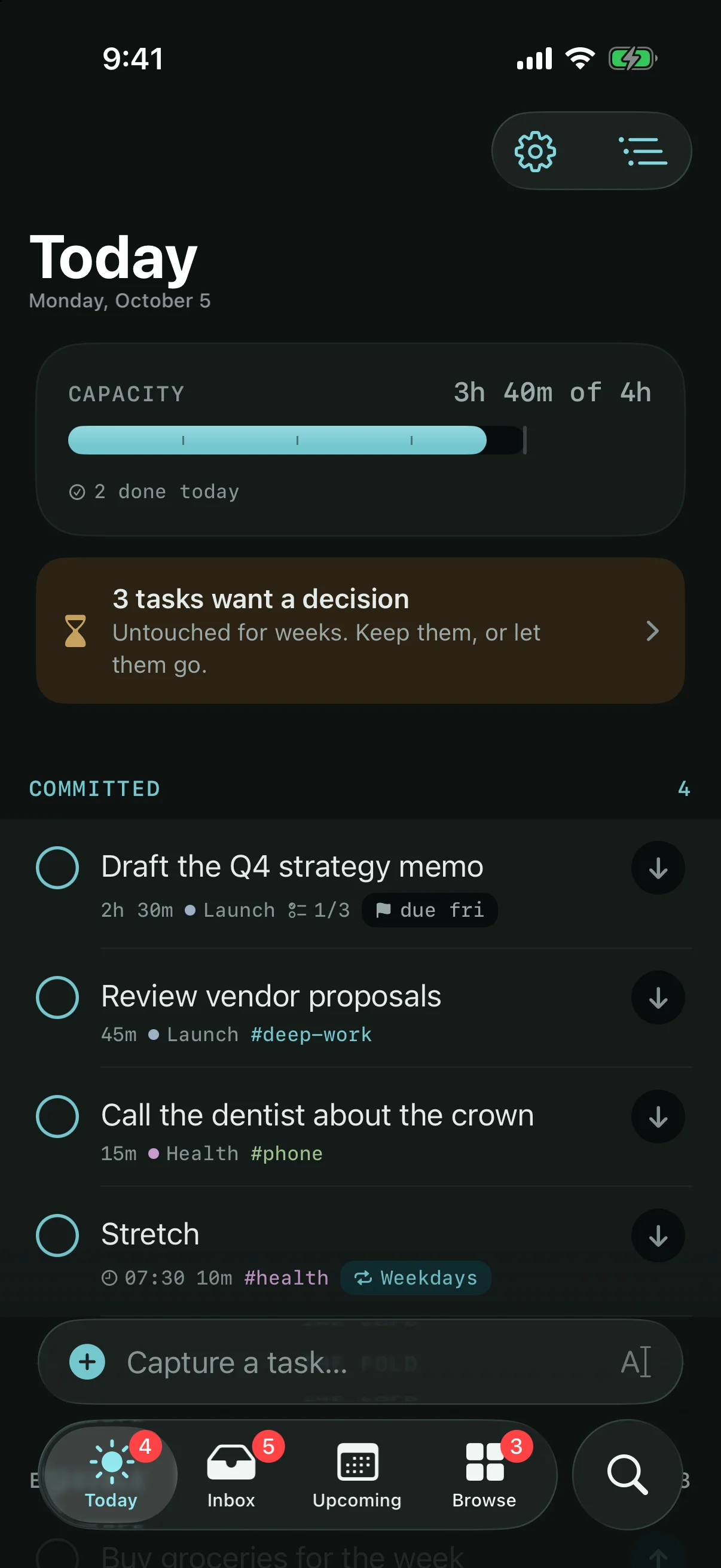
Most lists show everything you could do and call it today. Billine draws a line. Above it sits what you chose. Below it sits everything else, quieter, and still within reach.
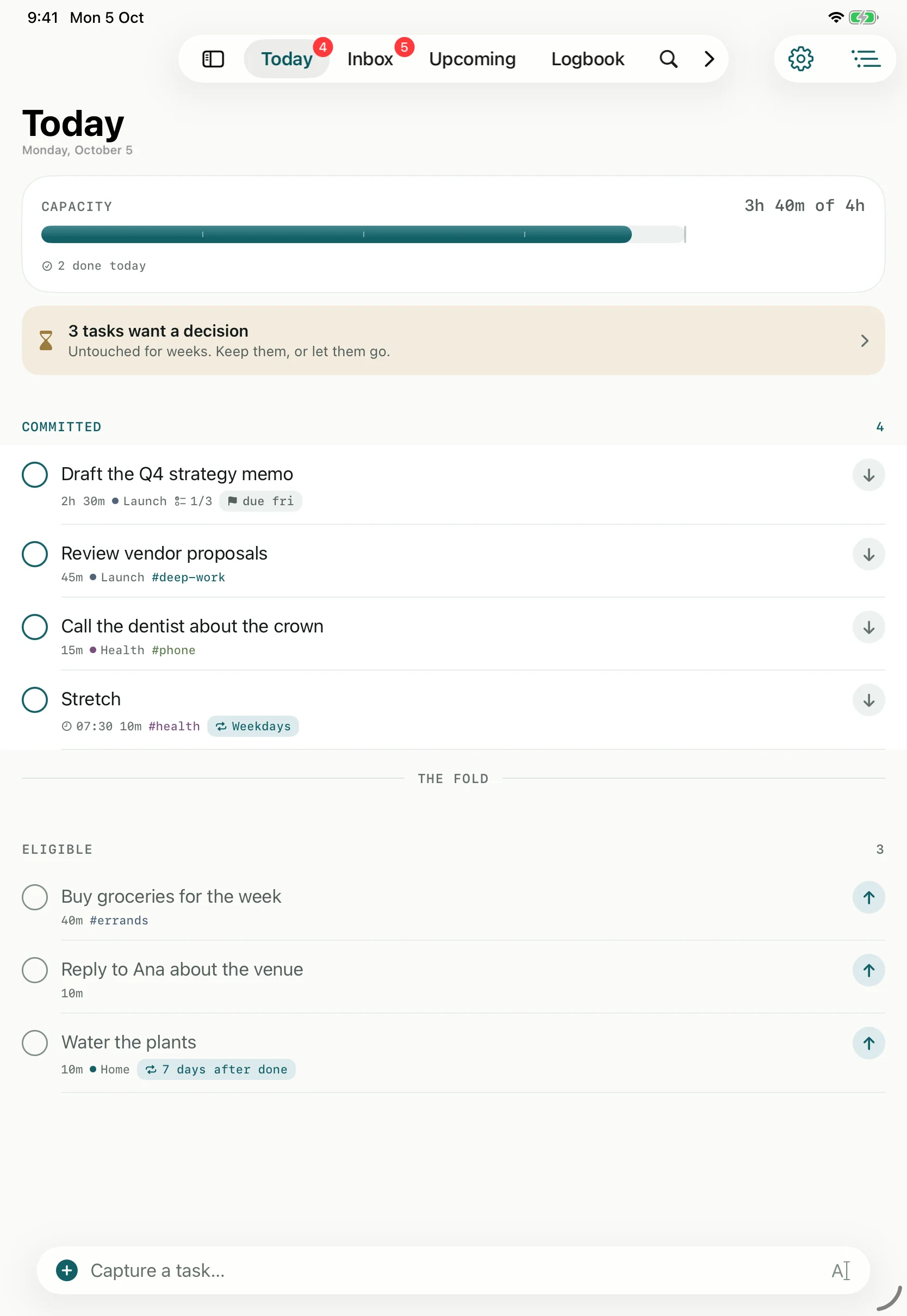
Your real hours. Set how much time today holds. Meetings from your calendar come off the top.
What you chose. Every task carries an estimate, so the track fills as you commit and tells you plainly whether it fits.
A line, not a deadline. Anything below it is a menu for later, never a failure.
Ready when you are. Pull one up when you finish early. Push one down when the day changes.
Three moments carry the whole day. Each one takes seconds, and none of them asks you to sort, tag or prioritise before you are ready.
Write book flights ~30m next tue #errands and Billine shows exactly what it understood. Tap any chip to remove it. Nothing is guessed silently.
Pick what you'll actually do. Go past your hours and the track says so: 30m over. You decide what gives, before the day does.
Tasks you haven't touched in weeks lose contrast, then ask once: keep it, or let it go. Nothing is deleted, and nothing turns red.
Billine is built for people who already work hard. It doesn't need to motivate you. It needs to tell you the truth about your day and get out of the way.
Four done beats twelve started. The day ends with a short list you completed.
No points to protect and no walls of overdue red. Missing a day costs nothing.
When you plan to do it and when it's due are separate fields, so Today stays honest.
Every weekday at 7:30. Seven days after you water the plants. Last business day of the month.
Written in Swift for Apple devices only, with a real sidebar and keyboard shortcuts on the Mac. Your tasks live on your device first, so Billine opens instantly and works without a connection.
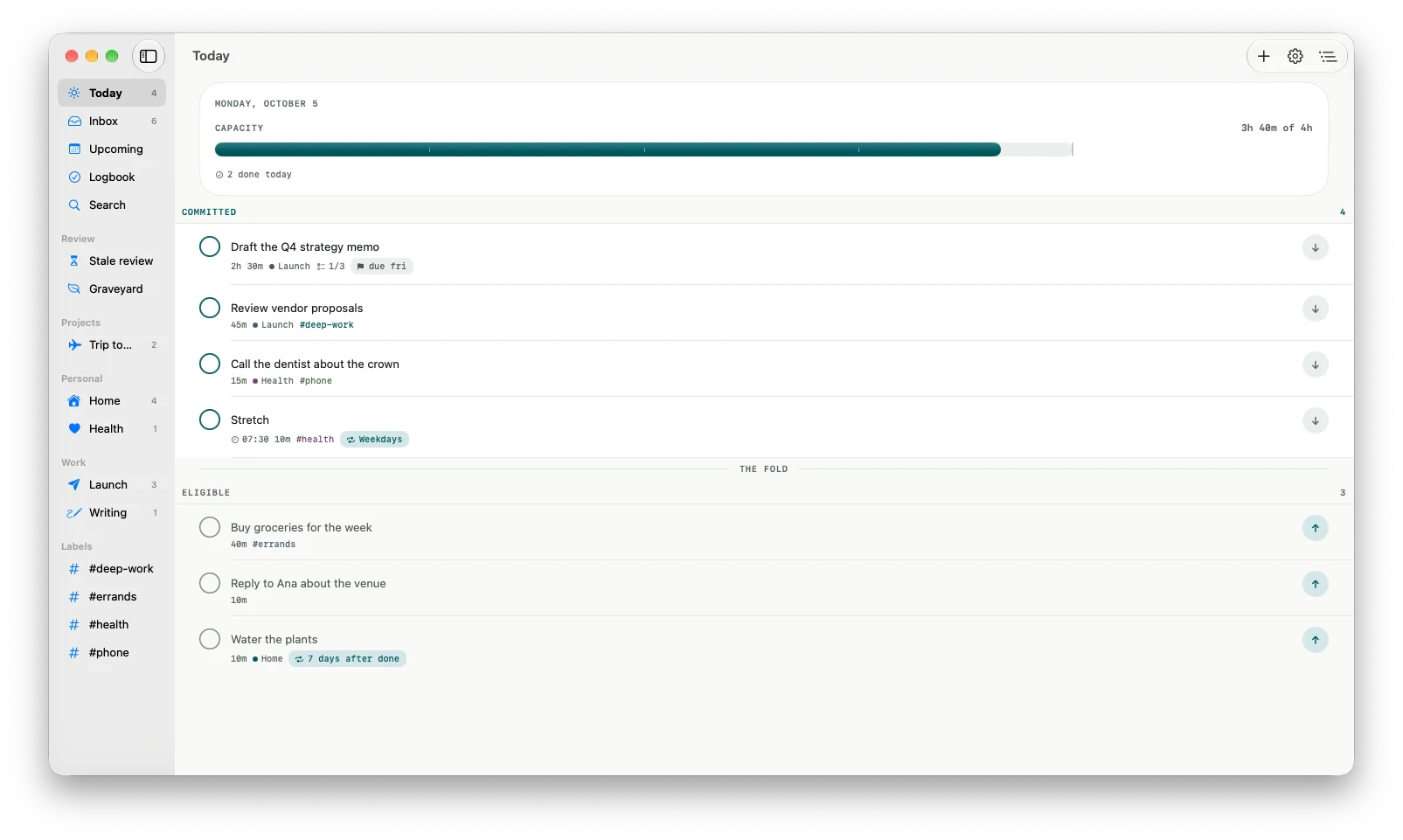
Your plan sits on the Home Screen, takes whatever you share, rings when you get somewhere, and waits in the Mac's menu bar. None of it needs Billine Pro.
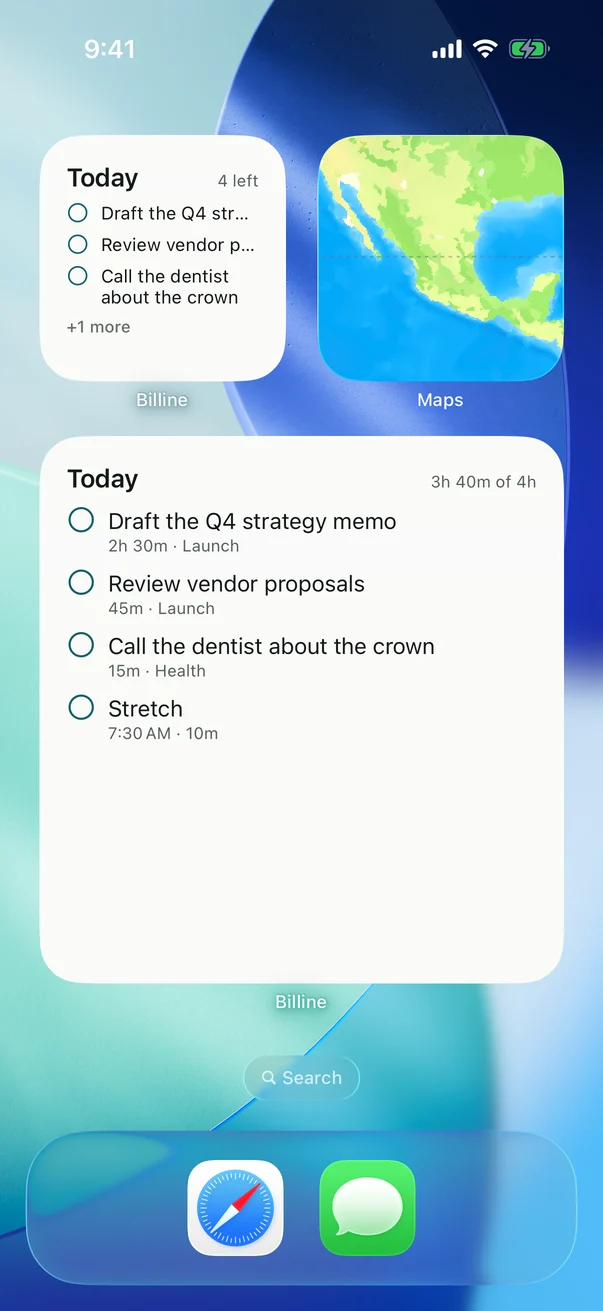
Widgets for the Home Screen and Lock Screen, and buttons in Control Center. Tap a circle to complete a task right there.
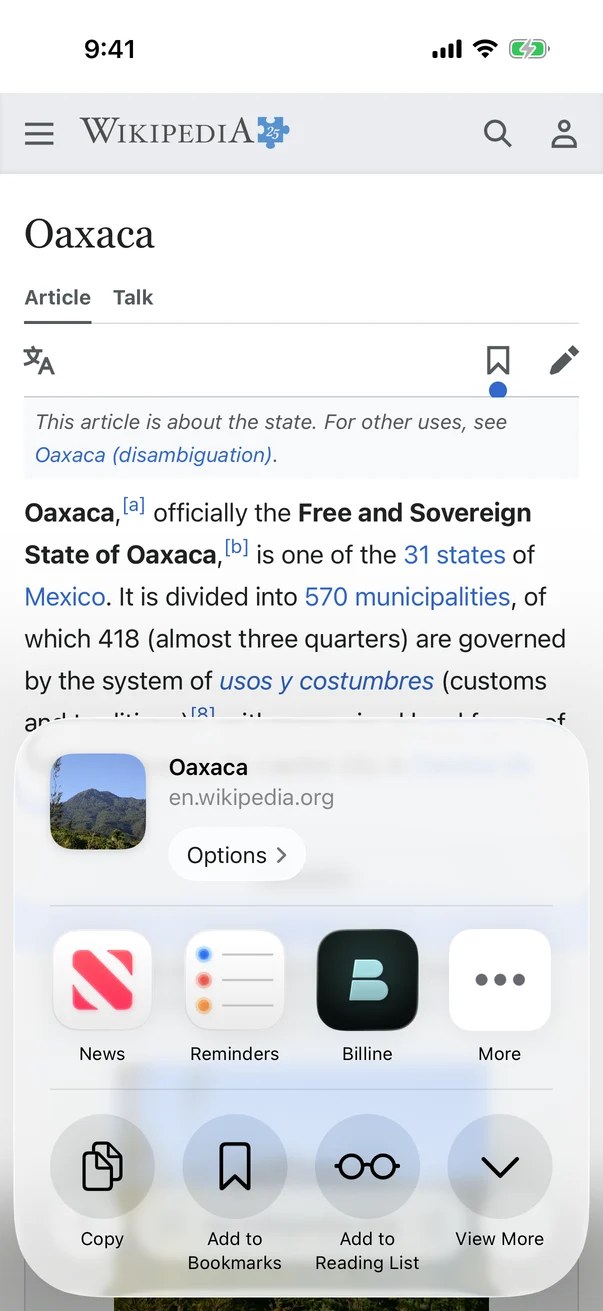
A page, a place or a photo becomes a task from the share sheet in any app, with the link kept in its notes.
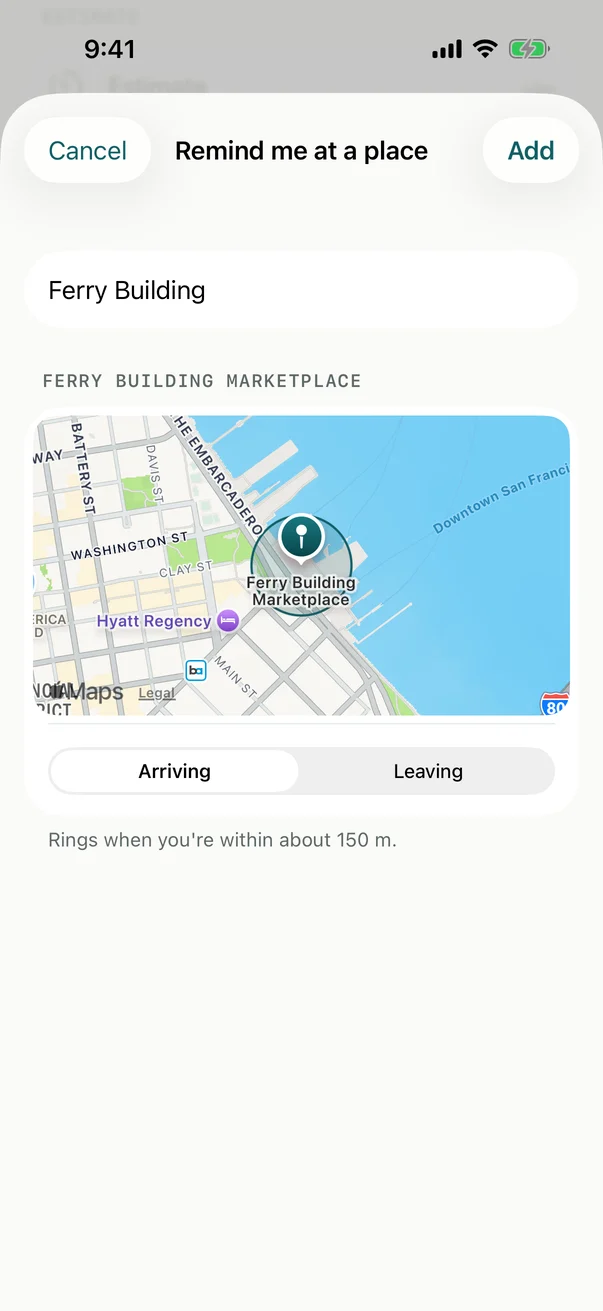
Arriving at the market, or leaving the office. The system watches for the place; Billine never sees where you are. On iPhone and iPad.
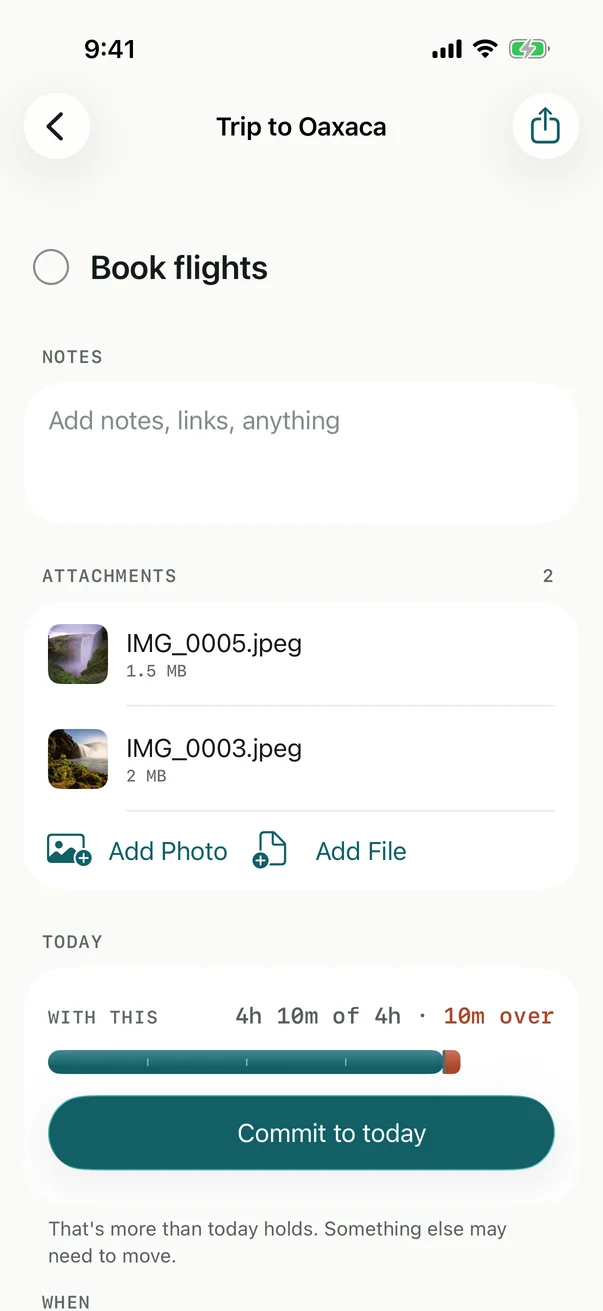
Photos and files up to 100 MB each, opened with Quick Look. With Billine Pro they sync to your other devices through iCloud.
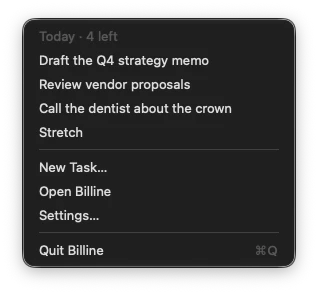
Billine waits in the menu bar with what's left for today. Press ⌃⌥Space in any app to capture a task without leaving what you're doing.
Everything that plans your day costs nothing. Billine Pro adds iCloud sync between your devices and exports made for sharing. Try it free for 14 days.
Every planning feature. Each device keeps its own tasks.
.pdf.html.md.taskpaper.icsPrices in US dollars. In other countries the App Store sets the price in your currency and shows it before you buy.
Nothing is ever locked. If Pro ends, sync pauses and every task stays on your devices. Planning, reminders and JSON or CSV export keep working.
Free on iPhone, iPad and Mac. Billine Pro is free for the first 14 days.