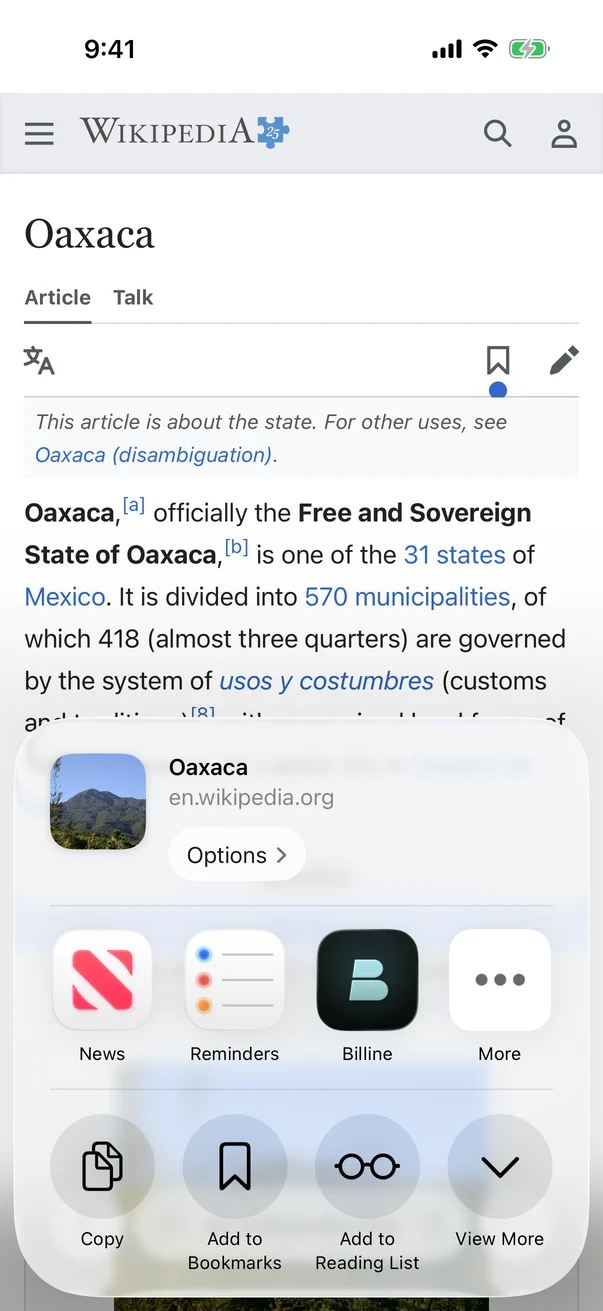
- In Safari, Maps, Photos, Files or any app, tap Share. In Safari on iPhone, it’s in the ⋯ menu.
- Choose Billine. If you don’t see it, swipe to the end of the apps and tap More.
- Write the task line. It’s read like a capture line, so
~15m,fridayand/projectwork. - Add a note if you like: why you saved it, what to do next. Billine shows where the task will land.
- Tap Add.
What comes along
- A web page or a map link is shown as a card and saved in the task’s notes.
- Text you shared becomes the task line.
- Photos, videos and files, up to 10 at a time, are attached to the task. Anything over 100 MB is left out, and Billine says so.
On the Mac, choose Share › Billine the same way, or drop files onto the sheet before you add it.
Checked against Billine 1.0